Keep a game going with someone you miss.
A calm, turn-based tile game you play a move at a time — with a kid, a parent, the friend three time zones away. Every turn carries a message, so it's really just a nicer way to stay in touch.

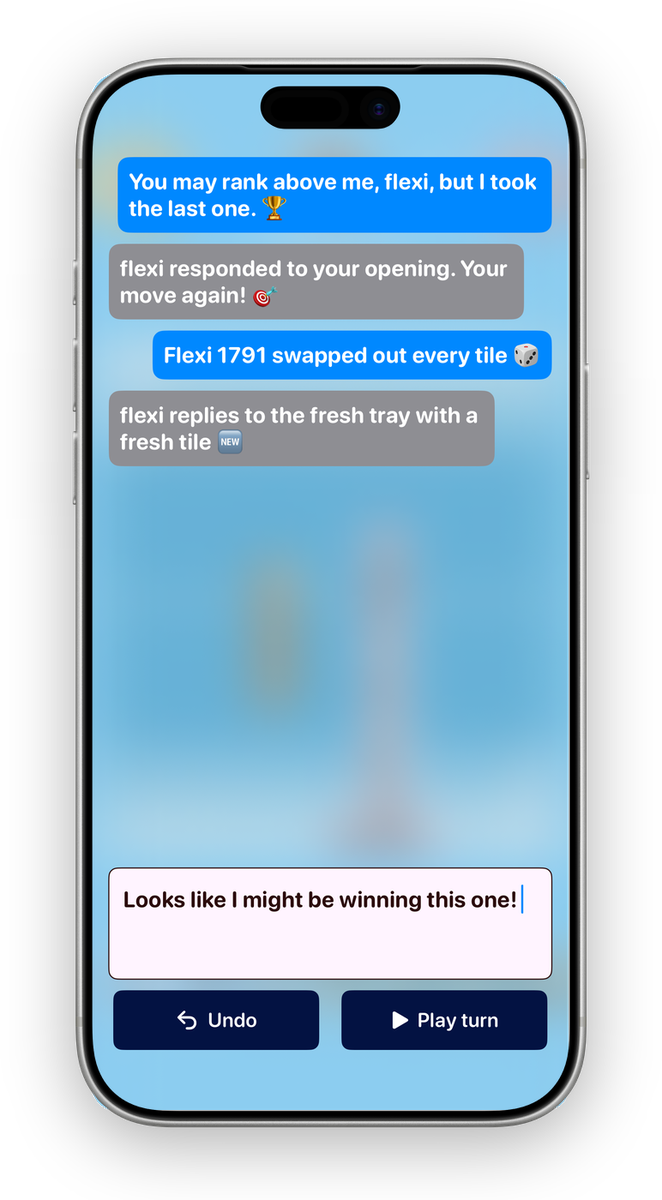
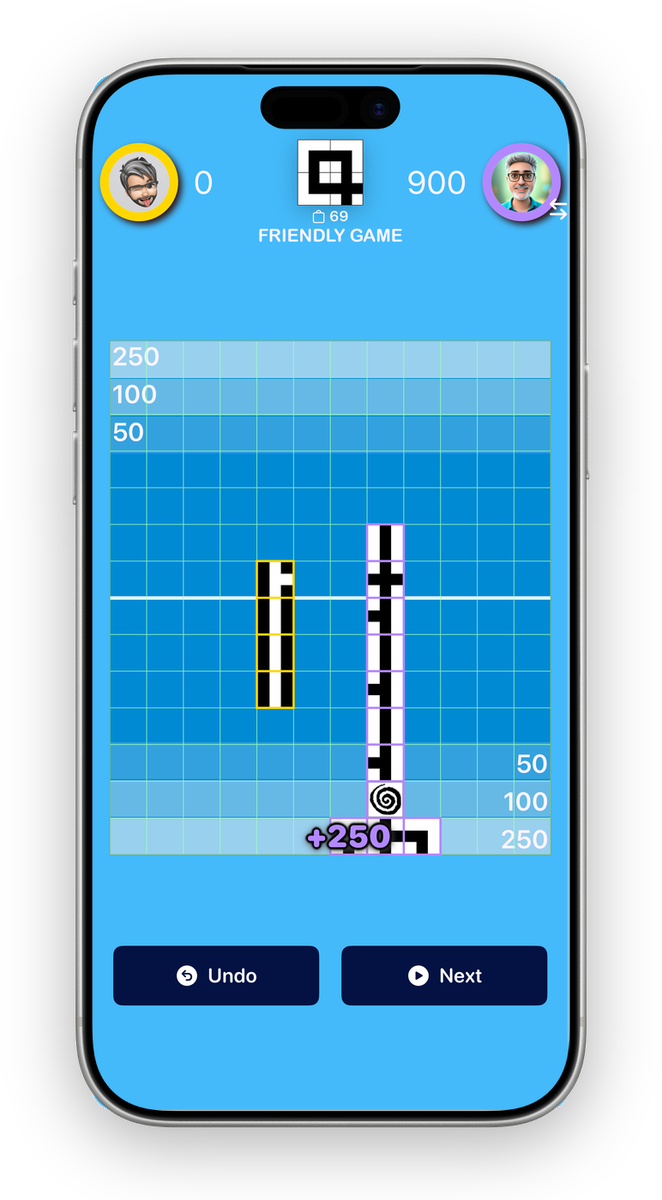
Dead simple. Quietly clever.
Lay a tile, extend your path, watch it rack up points as it stretches across the board. You'll have the hang of it in a single game — the app even walks you through your first moves. The part where you're outthinking someone three moves ahead sneaks up on you later.
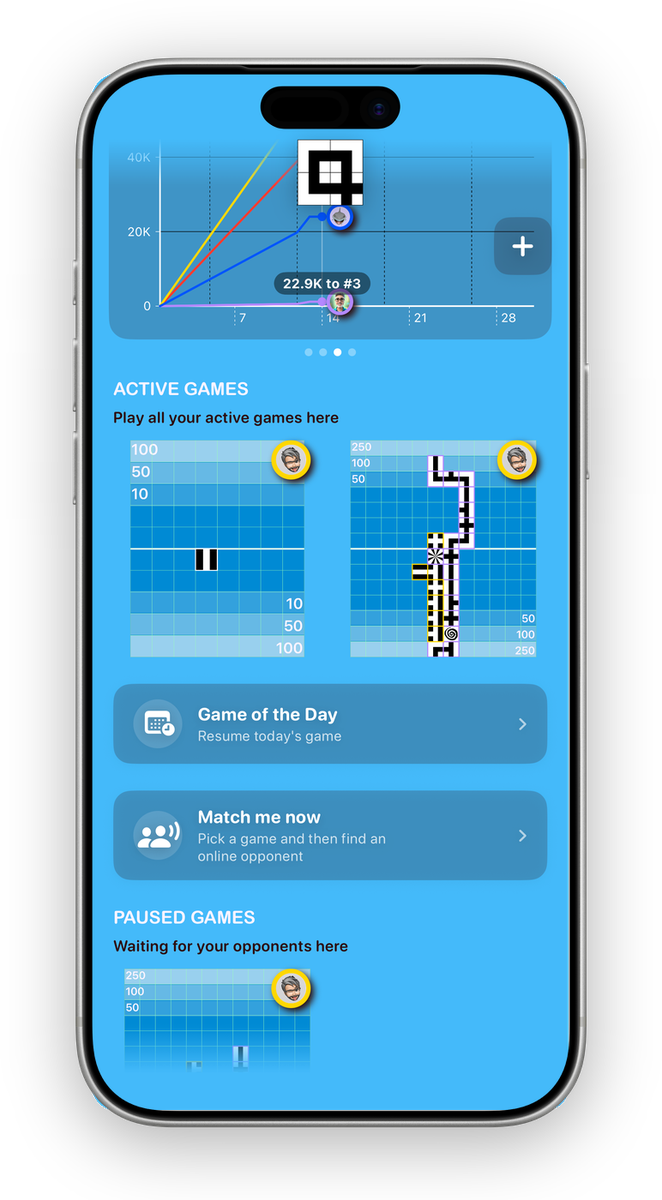
At your own pace. Always.
Take your turn now, or next week — the game waits for you. Nobody has to be online at the same time, and there's no clock ticking. Qu gives you a quiet nudge when it's your move, and you pick up right where you left off.
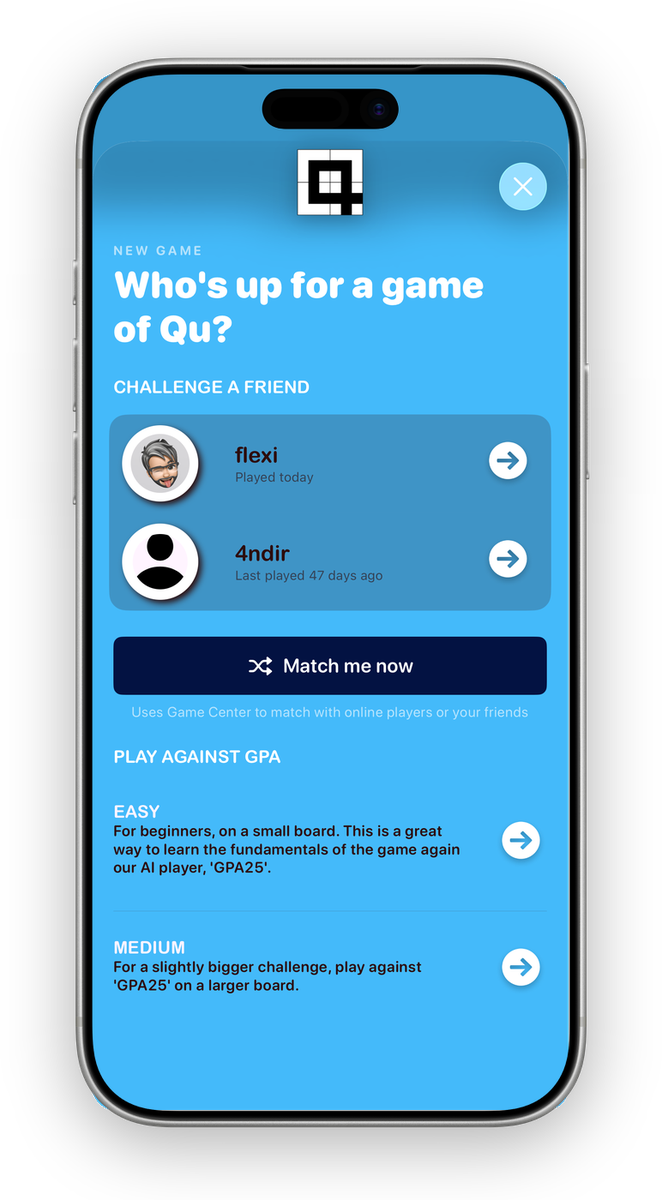
Play the computer first. Then a friend.
Warm up against the AI with nothing on the line. When it clicks, invite someone you know — a friend, your dad, the cousin you never call — or match with a new face online. It all runs through Apple's Game Center, so there's no account to make and no password to remember: if it's your iPhone or iPad, you're already in.
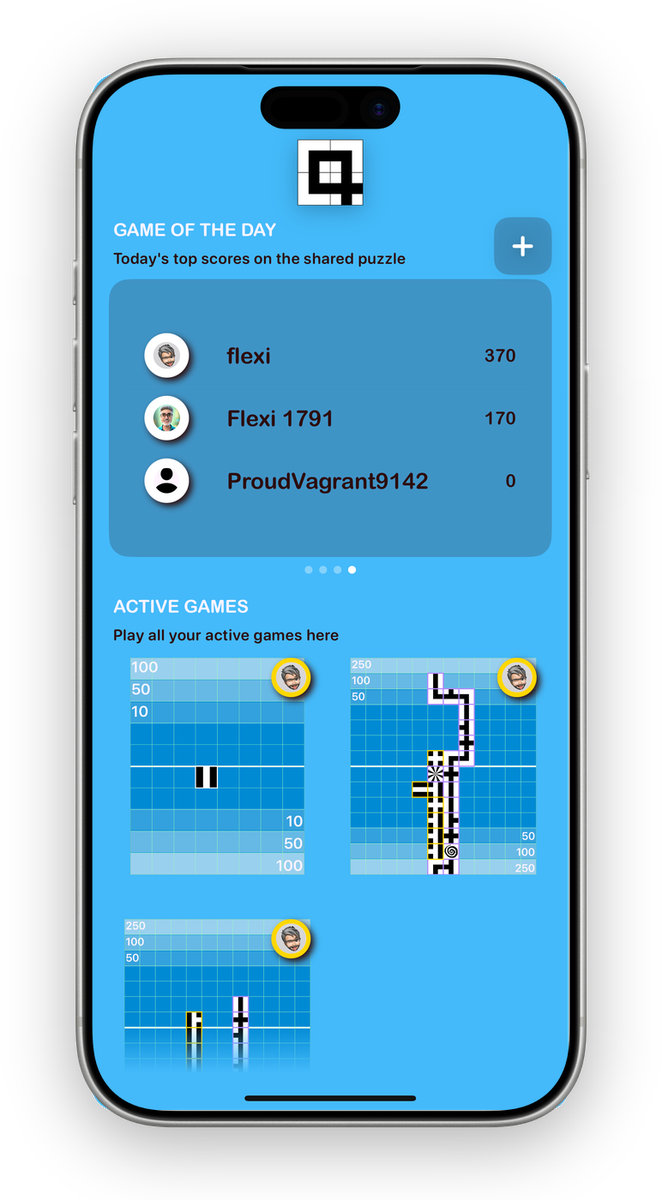
One board. The whole world. Once a day.
The Game of the Day hands everyone the exact same board and the same tiles — one shot at it. Some days it's winnable, some days it flat-out isn't, and you're all just scrapping for the best score you can wring out of a rotten draw. Either way it's you versus the puzzle, versus the leaderboard, versus that friend who still won't let you forget they beat you last time. Post your run, come back tomorrow, do it again.
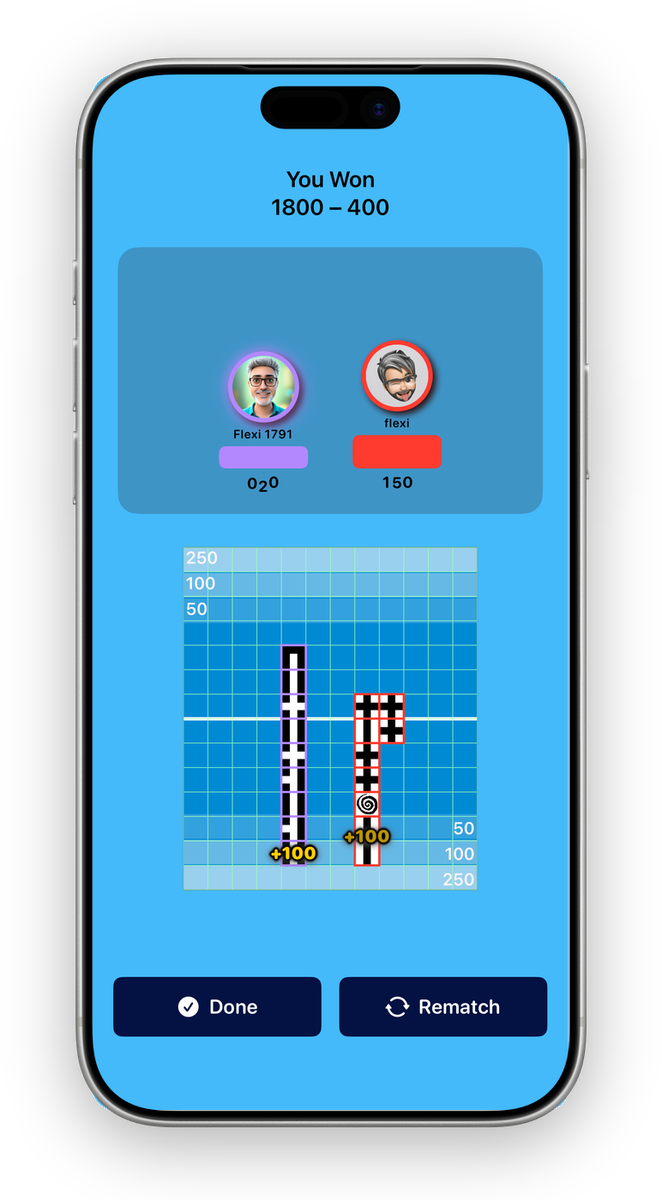
When it's over, run it back.
Every game ends with a replay — watch the board fill in move by move and see exactly how it was won. Then hit rematch and keep the thread, and the conversation, going another round.
The bits you're wondering about
Is Qu really free?
Completely, and we mean it — no ads, no in-app purchases, no "unlock the good stuff" paywall lurking two screens in. Just the game.
Is Qu hard to learn?
Not even a little. You'll be playing inside a minute — the app walks you through your first moves, and the rules fit on a napkin. Getting genuinely good is the part that'll keep you up.
Do I have to play in real time?
Never. Make your move, get on with your day, and Qu pings you when it's your turn. A quick round with your coffee, or one slow game stretched across a whole week — entirely your call.
Do I need friends to play?
Not at all. Take on the AI or the daily puzzle solo, or get matched with a total stranger who's about to become your new rival. Friends just make the winning sweeter.
Do I need to make an account?
Nope. Qu runs on Apple's Game Center — the one you're already signed into on your iPhone or iPad. No new account, no password to forget, no sign-up. New to it? Apple's setup guide has you sorted in a minute.
Can I really play it with my family?
Honestly, that's half the point. The gentle, one-move-at-a-time pace and the little message thread make it a lovely excuse for kids and parents — or the relatives scattered three time zones away — to keep a game, and a conversation, ticking along.
Do I need an internet connection?
Playing the AI works right on your device, anywhere. Matchmaking, games with friends, and the daily leaderboard need a connection — that's Game Center doing its thing.
iPhone only, or iPad too?
Both — iPhone and iPad, and a game carries across the two. No Android version yet.
Qu